Generate Crosshair for Valorant
Valorant Crosshair Generator
Customize your aim and get the import code for your in-game settings.
Live Preview
How to use the Valorant Crosshair Generator
Adjust the sliders to change the length, thickness, and gap of your crosshair. Use the color dropdown to find the hue that contrasts best with the maps you play. Once you are satisfied with the design, click “Copy Settings Code” and paste it into the Import Profile section of your Valorant settings.
Why customize your crosshair?
A good crosshair improves visibility and shot consistency. Many players prefer a smaller crosshair for precision at long ranges, while others use larger gaps to help track moving targets in close quarters.
Valorant Crosshair Generator: The Science of Precision Aiming
In the high-stakes world of competitive Valorant, your crosshair is more than just a visual marker; it is a critical diagnostic tool for your aim. As of December 2025, with the successful migration to Unreal Engine 5 (Patch 11.02), visual clarity and frame-rate stability have reached new heights, making your crosshair selection more vital than ever.
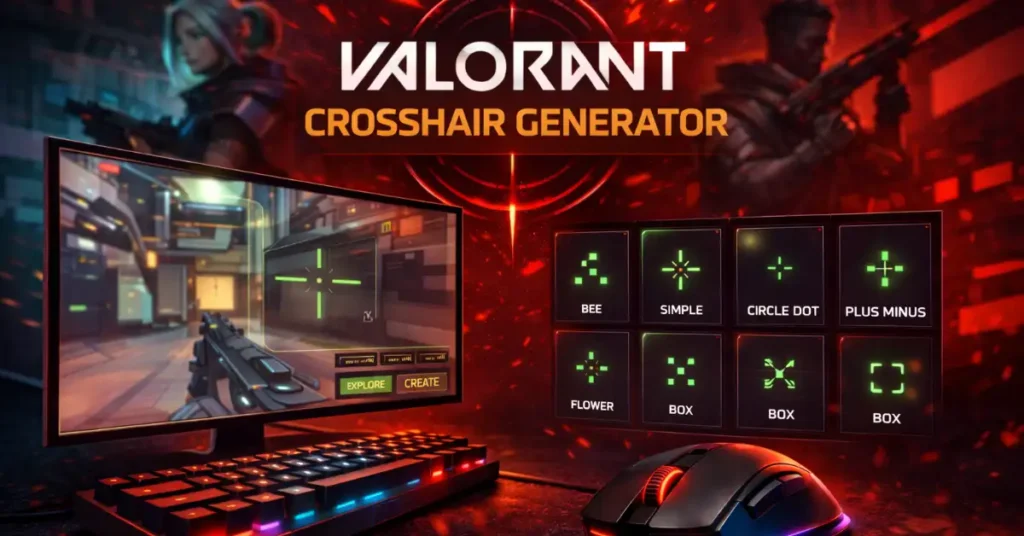
Our Valorant Crosshair Generator allows you to replicate the exact settings used by Radiant-tier professionals or build a custom reticle from scratch. Whether you are playing on PC or the recently updated console versions, this builder provides instant export codes that are 100% compatible with the current game client.
The Visual Clarity Meta: Why Color Matters
With the introduction of the latest maps like Abyss and the Patch 11.10 Harbor rework, map environments have become more visually complex. This has shifted the “color meta” toward high-contrast shades. Professional players overwhelmingly choose Cyan (#00FFFF), Green (#00FF00), or Yellow because these colors rarely occur naturally in Valorant’s map textures or agent abilities. Using these colors ensures your crosshair remains “above the noise” during chaotic site executes involving multiple smokes and ultimates.
Decoding the Generator: Technical Settings Explained
To master your aim, you must understand the mathematical components of our generator. Every slider corresponds to a specific pixel-value in the Riot Games engine.
1. Inner Lines: The Precision Foundation
Inner lines are the standard for 95% of the competitive player base. In 2025, the most common setup is the 1-4-2-2 (Thickness 1, Length 4, Offset 2). The “Offset” creates the center gap; a small gap allows you to see the enemy’s head (the “pixel-perfect” view) without the crosshair obscuring the target entirely.
2. The “Dot Meta” vs. Traditional Crosshairs
Players like ScreaM and Boaster have popularized the Dot Crosshair. A dot provides the highest level of precision for “one-tap” specialists who use the Vandal or Guardian. However, traditional four-line crosshairs remain superior for “spraying” with the Phantom, as the lines help your peripheral vision track the weapon’s recoil pattern.
3. Static vs. Dynamic: Why Pros Turn Off Error
Our generator allows you to toggle Movement Error and Firing Error. While useful for beginners to learn when they are truly “standing still,” almost every professional player keeps these OFF. A static crosshair builds better long-term muscle memory by providing a consistent visual reference point that doesn’t change shape during a gunfight.
Verified Pro Player Crosshair Codes
Here are the currently verified codes used by top players in the Valorant. Simply copy these into the “Import Profile” section of our tool.
| Player | Crosshair Code (Current) | Color |
|---|---|---|
| TenZ | 0;s;1;P;c;5;h;0;m;1;0l;4;0o;2;0a;1;0f;0;1b;0;S;c;4;s;0.5 | Cyan |
| Demon1 | 0;s;1;P;o;1;f;0;0t;1;0l;3;0o;2;0a;1;0f;0;1b;0;S;c;1;o;1 | White |
| Aspas | 0;P;c;5;o;1;d;1;z;3;f;0;0b;0;1b;0 | Cyan Dot |
| Alfajer | 0;s;1;P;c;5;o;1;d;1;z;3;0b;0;1b;0;S;s;0.628;o;1 | Cyan Dot |
| Zekken | 0;c;1;P;h;0;f;0;0t;6;0l;1;0v;4;0a;1;0f;0;1b;0 | White |
Step-by-Step: How to Import Your Crosshair Code
With the 2025 UI updates, importing a code has never been easier. Follow these five steps to refresh your aim:
- Use our Generator above to create or select a crosshair.
- Copy the generated String Code to your clipboard.
- Launch Valorant and go to Settings > Crosshair.
- Click the Import Profile icon (the downward arrow).
- Paste the code and click Import. You can save up to 15 different profiles.
Frequently Asked Questions: Aim Optimization
Technically, no. Your pixel-settings remain identical. However, the improved visual clarity in Patch 11.02 may make your current crosshair look “sharper.” If it feels too thin, you might need to increase your Outline Opacity to 0.5 for better visibility.
The Offset controls the space in the center of the crosshair. A higher offset is better for “head-level” placement, as it lets you see the enemy’s head inside the gap. A zero-offset (no gap) is preferred by “sprayers” who want to track the center of their screen.
Yes, our builder supports “meme” crosshairs. However, these are not recommended for ranked play as they create visual clutter, making it harder to track small movements during long-range duels.
While most pros play at 1920×1080, the crosshair generator scales with your resolution. If you play on 1440p or 4K, you may need to double your Thickness settings to maintain the same visual size as 1080p.
Outlines (the black border) are highly recommended if you play on maps with bright backgrounds like Breeze or Icebox. They ensure your crosshair never blends into the sky or snow.
Professional Valorant Utility Hub
Aim is only the first step. Optimize your entire setup with our verified performance tools: