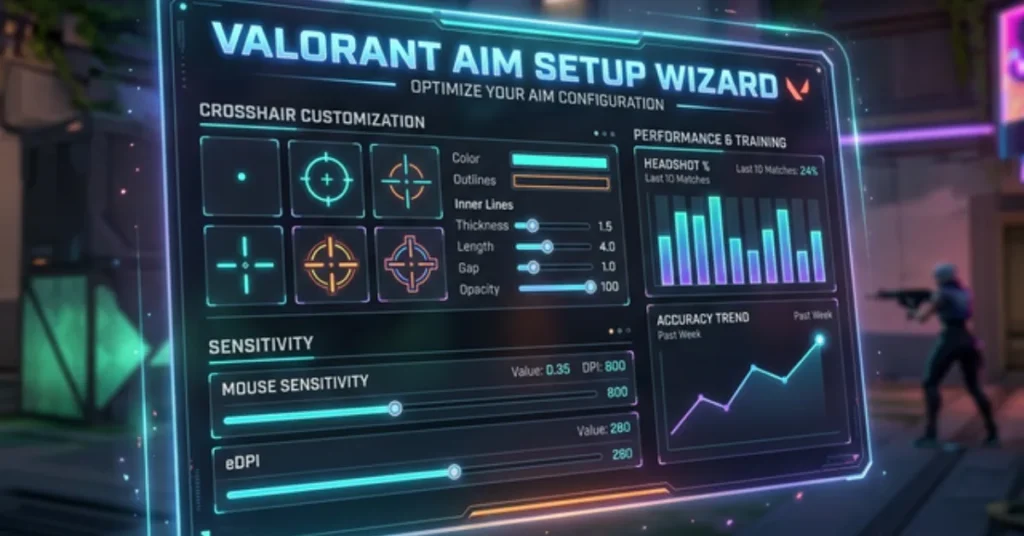
Answer 9 quick questions and get a fully personalized settings profile — sensitivity range, crosshair code, and a 15-minute warm-up routine built just for you.
Step-by-step Aim Setup Wizard to optimize sensitivity, crosshair, and hardware settings in Valorant.
The Valorant Aim Setup Wizard takes less than 3 minutes to complete. Unlike basic eDPI calculators that spit out a single number, this wizard builds a full personal profile — sensitivity range, crosshair config, and a tailored warm-up routine — all from 9 targeted questions.
01
Answer the 9 questions honestly
Questions cover your hardware (DPI, mousepad, monitor), mechanics (grip, aim style), and in-game identity (rank, role, playstyle). Accuracy leads to better results.
02
Receive your Aim Setup Profile Card
The wizard generates your archetype, a PSA-calculated sens range with eDPI and 360° distance in cm, a matched Valorant crosshair import code, and a personalised 15-minute warm-up routine.
03
Copy the crosshair code into Valorant
Open Valorant → Settings → Crosshair → Import Profile Code. Paste the code and hit Import. The crosshair loads instantly — no manual slider adjustment needed.
04
Start at the recommended sensitivity
Set your in-game sensitivity to the highlighted midpoint. Play your warm-up routine for 3–5 sessions before deciding to adjust. Muscle memory needs repetitions, not restarts.
05
Dial in with the PSA Calculator
Once you have a feel for the range, use the BattlePooja PSA Calculator for micro-adjustments. Small increments (±0.02) make a noticeable difference once you are in the right zone.
About
WHAT IS THE VALORANT AIM SETUP WIZARD?
The Valorant Aim Setup Wizard is a guided personalization tool for Valorant players who want a complete settings profile — not just a calculator output. Most tools online ask for your DPI and sensitivity, divide them together, and call it a day. That ignores how you actually aim.
This wizard factors in your physical setup (mousepad size, monitor refresh rate, mouse grip), your aiming mechanics (arm vs wrist), and your in-game identity (rank, playstyle, agent role) to build a layered recommendation with a sensitivity range, crosshair code, and a structured warm-up routine.
9
Questions Asked
15+
Profile Variables
~3
Minutes to Complete
Use Cases
WHO IS THIS FOR?
The Valorant Aim Setup Wizard works for any player who has ever felt their settings were holding them back — but wasn’t sure where to start fixing them.
🆕
New Players
Skip the guesswork that costs new players weeks of inconsistency. Start with a sens range that fits your physical setup instead of copying a random streamer’s settings.
📈
Rank-Stuck Players
If you’ve been hovering in the same rank for 3+ acts, wrong sensitivity can quietly cap your ceiling. Use the profile to audit whether your settings are working against you.
🖥️
Hardware Upgraders
Upgraded to a new mouse, mousepad, or monitor? Your old sens is almost certainly wrong. Rerun the wizard after any hardware change to recalibrate from scratch.
🎯
Aim Trainers
Use your profile’s 360° distance to set a consistent sens across Aimlabs or KovaaK’s and Valorant for seamless muscle memory transfer.
🔄
Sens Switchers
Always changing your sensitivity after bad games? The profile gives you a defined range to stay inside. Stop changing it outside those bounds.
👥
Coaches & Analysts
Use the wizard as a quick intake form to assess a student’s setup. The profile card gives you a common language and starting point for hardware discussion.
FAQ
FREQUENTLY ASKED QUESTIONS
Everything you need to know about sensitivity, crosshairs, and warm-up routines in Valorant.
eDPI (effective DPI) is calculated as DPI × in-game sensitivity. It is the only number that lets you compare settings across players with different DPI configurations. Two players — one at 400 DPI / 1.0 sens and another at 800 DPI / 0.5 sens — have identical eDPI (400) and their mouse moves the exact same distance on screen per centimetre of physical movement.
At minimum 5–7 full sessions (roughly 5–8 hours of playtime). Your brain needs enough repetitions to build new motor patterns before it can judge whether a sensitivity feels right. The first 2 sessions will almost always feel wrong. If you are still struggling after 10 sessions, consider a small adjustment of ±0.02.
Open Valorant → Settings (gear icon) → Crosshair tab → click “Import Profile Code” at the top → paste the code from your profile card → hit Import. The settings apply immediately. Save it as a named profile so you never lose it.
The 360° distance tells you how many centimetres you need to physically move your mouse to complete a full 360-degree rotation in-game. Most competitive Valorant players sit in the 30–55 cm range. It’s a hardware-agnostic sensitivity metric useful for translating settings across different mice, mousepads, and aim trainers like Aimlabs and KovaaK’s.
Higher refresh rate monitors (240 Hz, 360 Hz) give you more visual feedback per second, making micro-corrections easier to perceive. Many players naturally gravitate toward slightly lower sensitivities on high-refresh setups. The wizard accounts for this automatically with a refresh-rate modifier in the calculation.
The sensitivity recommendations and 360° distance output are universal and apply to any FPS (CS2, Apex, Overwatch 2 etc.). The crosshair code format and warm-up routine are Valorant-specific. For other games, use the eDPI range and 360° distance to translate your profile into that game’s sensitivity system.
Do not make large jumps in one go. If you’re far outside the recommended range, change by no more than 10–15% at a time and give yourself a full week of play before deciding to move again. Large sudden changes reset your muscle memory completely and will feel terrible regardless of whether the new number is objectively better.
Every session you play ranked. Even 10–12 minutes of structured warm-up before your first competitive game can meaningfully improve your early-game performance. Cold aim in ranked is one of the most common causes of poor starts — your first 1–2 games without warm-up are statistically your worst of the session.