Valorant Mouse Tracker
Analyze your hand movement efficiency and improve your aim behavior.
Total Distance
Current Speed
Max Speed
Movement Time
What is a Mouse Tracker?
A Mouse Tracker is a tool that monitors your cursor’s path across the screen in real time. For gamers, particularly in tactical shooters like Valorant, this is used to identify movement efficiency, jittery aim, and inconsistencies in hand speed.
How to Use This Tool
Simply click the “Start Tracking” button and move your cursor within the gray canvas area. The tool will visualize your movement path and calculate critical metrics like speed and distance. Click “Stop Tracking” to pause your session and analyze the final stats.
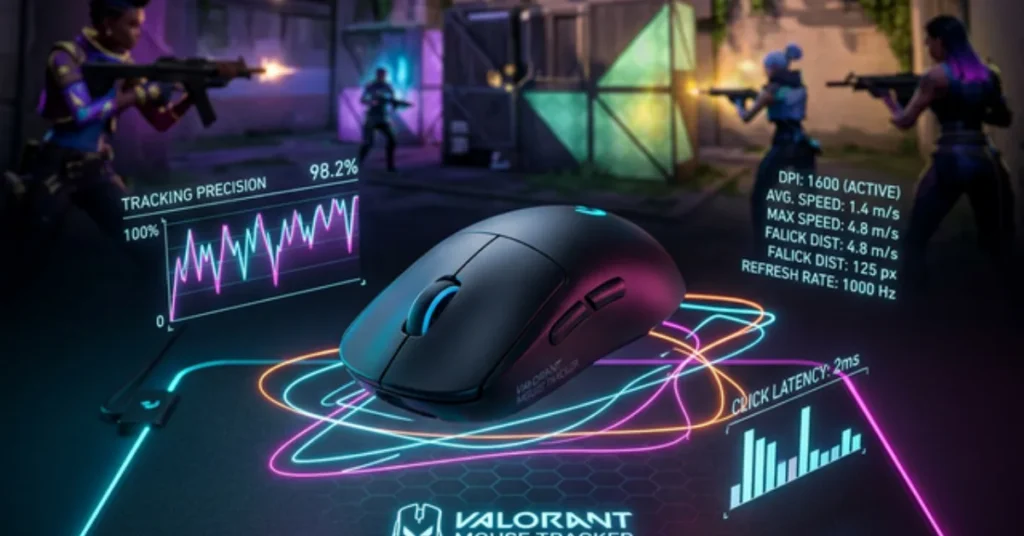
Advanced Use Cases for Aim Performance
In tactical shooters like Valorant, the consistency of your physical hand movement is what defines your skill ceiling. This Mouse Tracker serves as a high-precision diagnostic tool to refine your mechanics.
1. Aim Consistency & Flick Geometry
Understanding the “shortest path” between two points is vital for winning duels. Use the tracker to analyze your performance in real-time:
- Arc vs. Line: Analyze if your flicks follow an efficient straight line or inefficient curved arcs.
- Correction Detection: Spot “over-flicking” patterns where micro-adjustments are increasing your total Time-to-Kill (TTK).
- Jitter Analysis: Identify physical tremors or sensor inconsistencies caused by uneven surfaces or hardware defects.
2. Sensitivity Testing & CM/360 Calibration
Your digital eDPI translates into a physical movement on your desk. This tool helps you bridge that gap.
- Hand Distance Tracking: Monitor exactly how many centimeters (cm) your hand moves for a 180 or 360-degree turn.
- Pixel Skipping: Detect if high in-game sensitivity is causing jagged movement instead of smooth tracking.
- Arm vs. Wrist Aiming: Visualize your physical range of motion to determine if your sensitivity suits your anatomical style.
3. Input Lag & Hardware Analysis
A tracker can reveal bottlenecks in your hardware chain that aren’t visible to the naked eye.
- Polling Rate Health: Gaps or “jumps” in the line indicate polling rate mismatches or CPU interference.
- Sensor Spinning: Determine if your sensor is “spinning out” or losing tracking during extreme high-speed flicks.
- Windows Acceleration: Verify that “Enhance Pointer Precision” is OFF; the tracker will immediately show inconsistent acceleration if active.
Frequently Asked Questions
It provides visual evidence of your mechanical execution. Reviewing your path identifies if your hand movements are shaky or inefficient during high-pressure moments.
Pixel skipping happens when your sensitivity is too high for your mouse’s DPI. Jagged, “staircase” patterns in the tracker during slow movements indicate a need for sensitivity adjustments.
Jumpy lines are often caused by low polling rates or hardware interference. Ensure your mouse is set to at least 1000Hz and your CPU is not spiking.
Yes. This adds mouse acceleration, destroying muscle memory. The tracker will show inconsistent line lengths for identical movements if this is left on.
Yes, you can visualize the physical distance moved on your mousepad to complete a full 360-degree rotation, ensuring sensitivity parity across different games.